

Paste a URL. Prism drafts a script, pulls supporting visuals from your connected libraries, and assembles a first cut your team can review and finish.

.jpg)
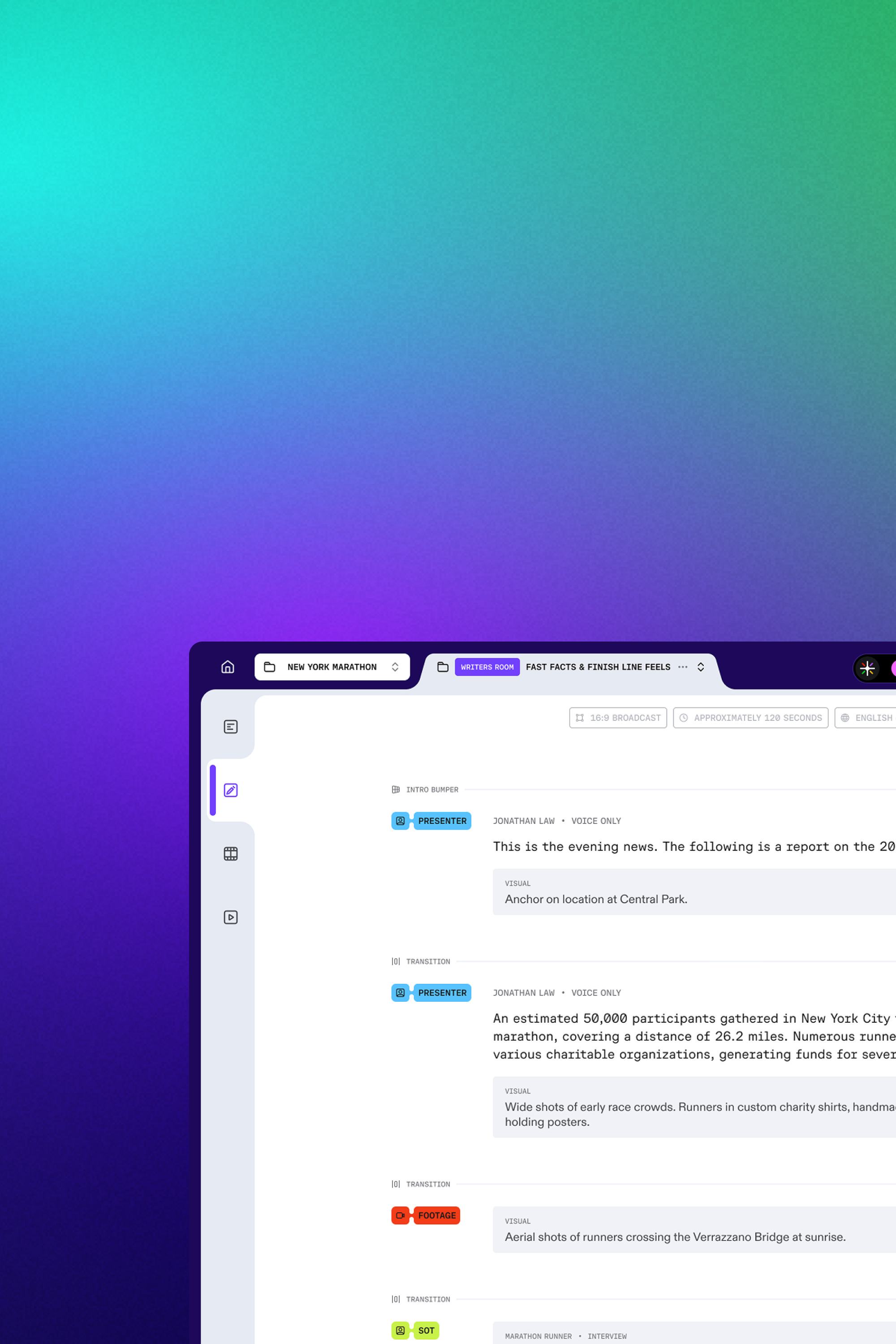
No video desk required. Prism creates a script-led first cut from your article, then outputs the formats your team publishes.
Paste your article URL or connect your CMS. Prism analyzes your article and generates a structured plan: script outline, visual needs, and timing—ready to produce.

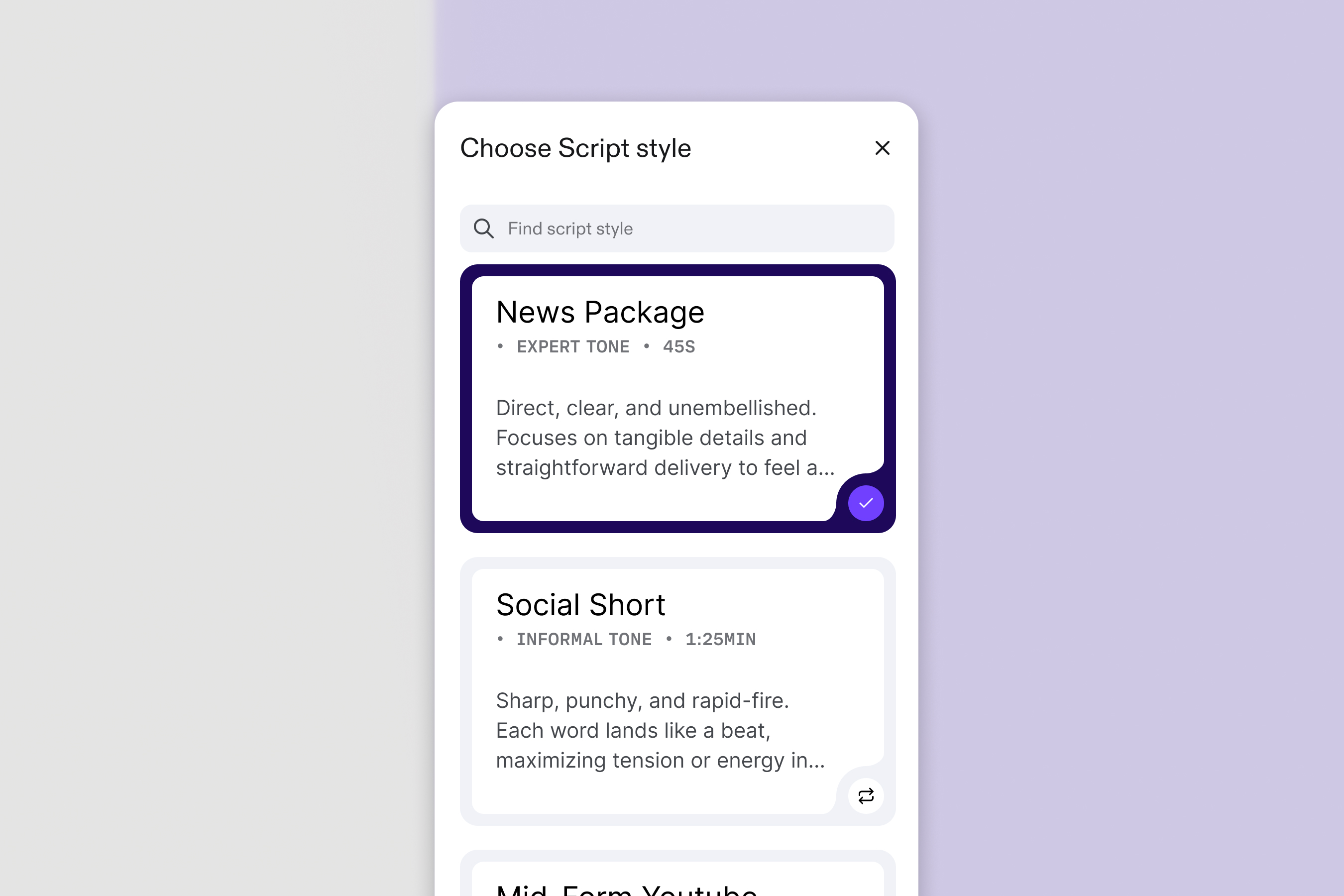
The Script Agent converts your article prose into a broadcast script, automatically syncing visuals to the spoken word and inserting accurate Sound-on-Tape (SOTs). Choose from a preset script style or customize your own.
Choose a target language and Prism generates a localized version with translated script, captions, and voiceover. One article can ship across multiple markets with minimal extra production.

Select a brand preset and Prism applies your approved graphics kit: typography, color, lower-thirds, logo, intro/outro, pacing, and caption styling. Every video stays on-brand without manual cleanup.

Export a finished MP4 instantly, or export the full timeline for downstream editing and finishing. Your editors get a structured rough cut, complete with tracks and assets, ready for final polish in the tools they already use.





Articles, blog posts, newsletters, press releases, and scripts. If it has a narrative, Prism can structure it into a watchable video.
You can use your own media library, uploaded assets, and connected sources. Prism is designed to help match visuals to story context.
Most videos generate in minutes depending on length, format, and localization choices.
Prism is subscription plus usage credits. Your plan covers access and core workflow features. Credits cover compute-heavy tasks like transcription, captioning, translation, voiceover, and rendering across Prism and Prism Utilities.
Enterprise is built for organizations with workflows, approvals, and compliance needs. Enterprise is designed for teams that require higher-volume usage, admin controls, and supported integration.


