

Transform newswire stories into newsroom-paced segments and shorts, with sourcing from licensed partners like AP, Reuters, and Getty.


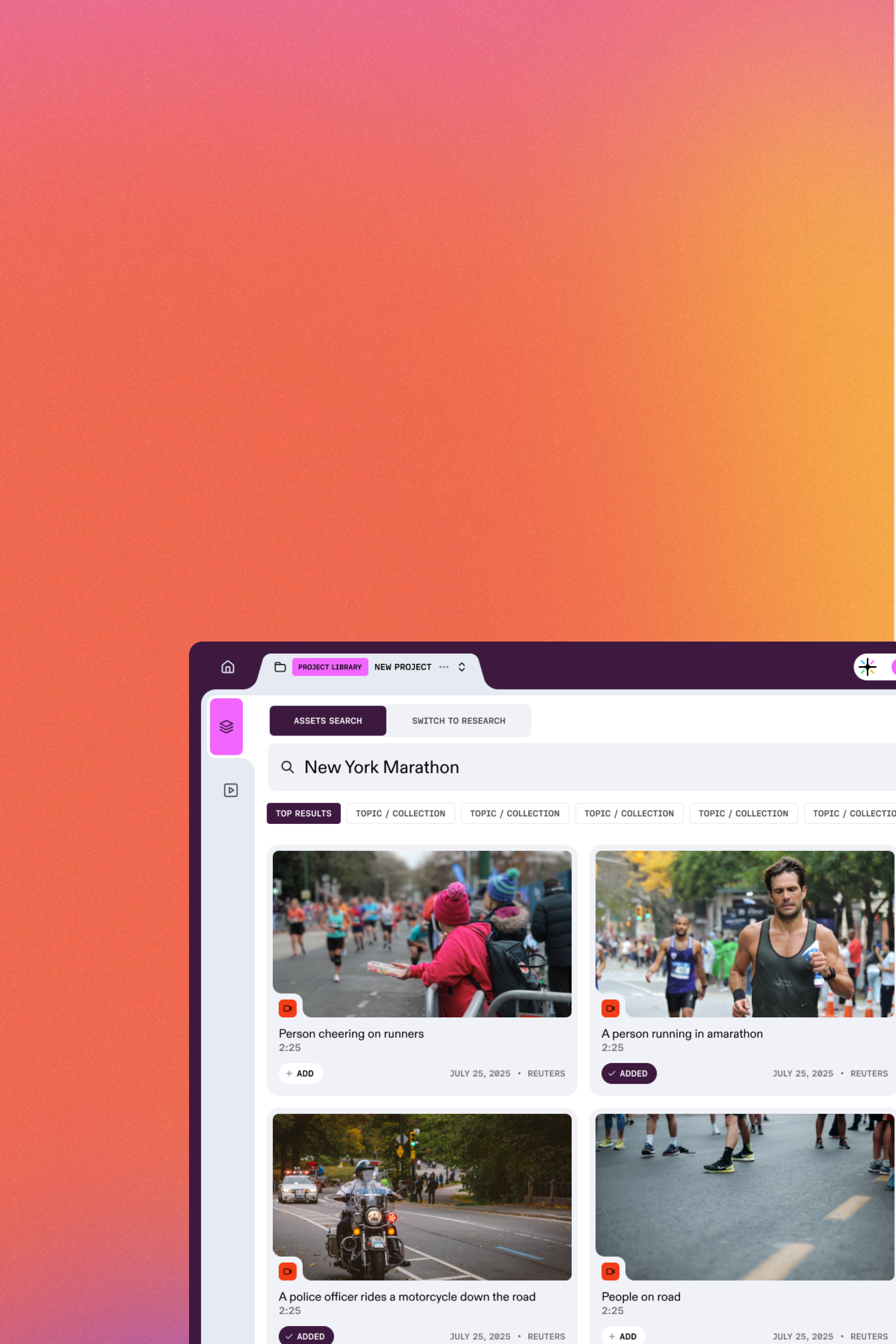
Prism handles the prep steps that slow teams down: organizing source media, generating transcripts, surfacing usable moments, and assembling a first timeline. Editors keep control of editorial choices and final polish.
Prism integrates directly with Reuters, AP, and AFP feeds. It watches for topics you define and ingests raw footage the moment it hits the wire—no manual downloading required.
Tell Prism what you're making and how it should feel, then choose your desired formats, duration, language, presenter, and style preset. The Briefing Room converts your brief into a structured package so the first cut matches your newsroom standards.

Prism converts the wire copy into a voice-ready script and maps it to a story timeline—beat-by-beat—so the segment has a clear arc, consistent pacing, and clean timing for captions, graphics, and voiceover.

Prism helps surface visuals from your archive and connected licensed libraries when needed, then assembles a first cut you can refine—reorder the timeline, swap shots, adjust tone, and generate versions for multiple platforms without rebuilding from scratch.

Export a finished MP4 instantly, or export the full timeline for downstream editing and finishing. Your editors get a structured rough cut, complete with tracks and assets, ready for final polish in the tools they already use.




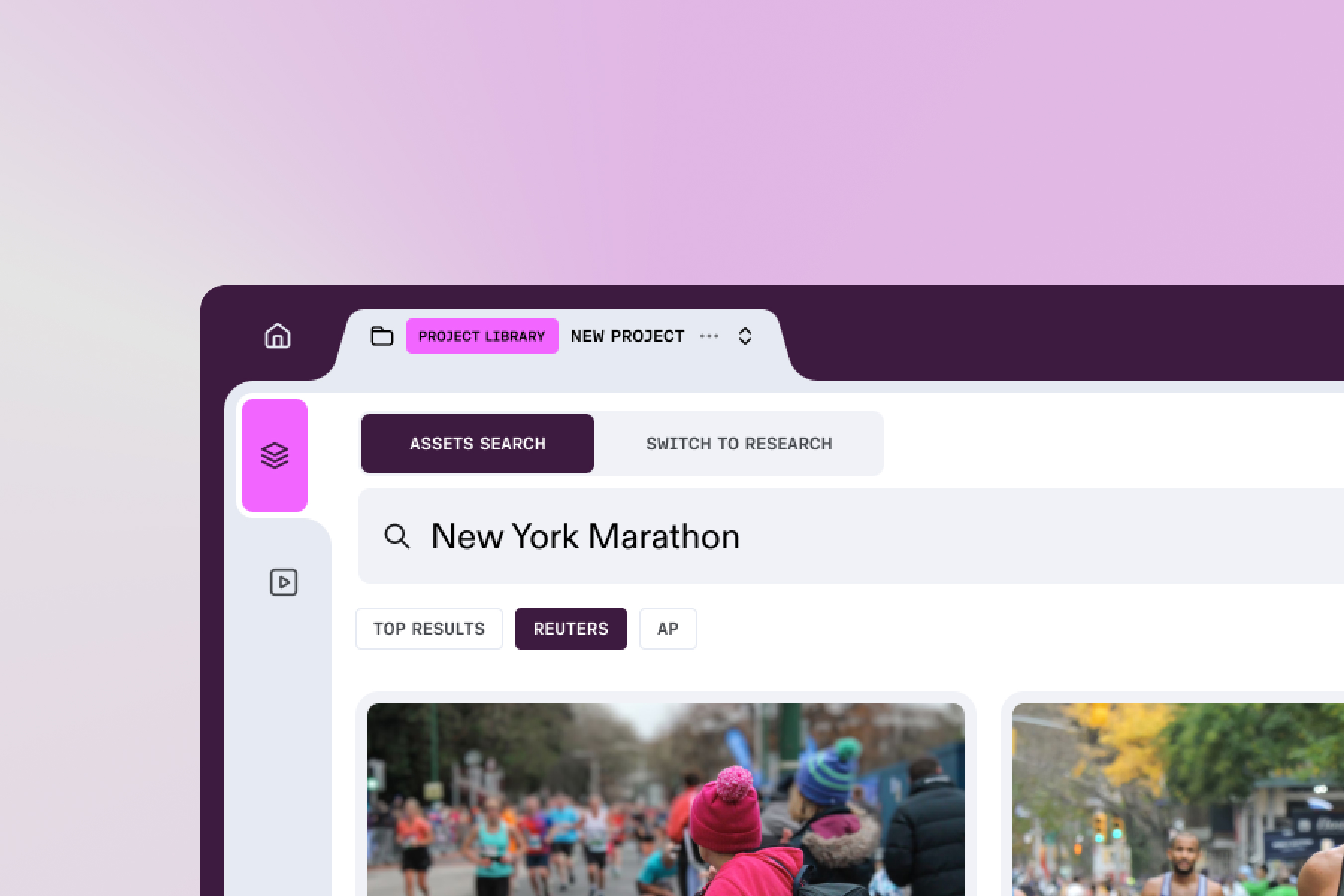
Prism pulls licensed video and stills from your connected providers and archives, such as Reuters, AP, AFP, Getty Images, and internal libraries. Prism does not fabricate source footage. It assembles cuts using the assets you already license and approve.
No. Prism’s Script Agent is grounded strictly in the source material provided by the newswire feed or article. It does not invent events. Furthermore, every line of the script is linked to the source timecode, allowing for instant fact-checking before export.
Most videos generate in minutes depending on length, format, and localization choices.
Yes. Export a publish-ready MP4, or export a structured timeline package (XML) for downstream editing and finishing in your existing tools.
Yes. Prism supports custom Video Styles that enforce your network’s specific fonts, lower-thirds, intro/outro animations, and color palettes. This ensures that every automated video adheres to your brand guidelines without manual adjustment.
Prism is subscription plus usage credits. Your plan covers access and core workflow features. Credits cover compute-heavy tasks like transcription, captioning, translation, voiceover, and rendering across Prism and Prism Utilities.
Enterprise is built for organizations with workflows, approvals, and compliance needs. Enterprise is designed for teams that require higher-volume usage, admin controls, and supported integration.


