Workflow · Article → Video

Turn articles into finished video.

The reporting is already done. Prism turns it into video: facts kept, quotes cited, footage matched from the archives you license. You approve every step.

Start with the article.

Paste a link and Prism reads the whole piece: the story, its images, and the facts, pulled into one project, sourced and cited, ready to build from.

On-brand, down to the frame.

Prism builds with the assets your brand already trusts: your footage, your SOTs, your presenters, your lower-thirds. The package ships looking like your channel.

Or just say what you want changed.

Talk to it like you'd talk to an editor: trim, hold, reframe, brighten the shot. Prism applies it in place, no panels to dig through.

Carry it yourself, or cast it.

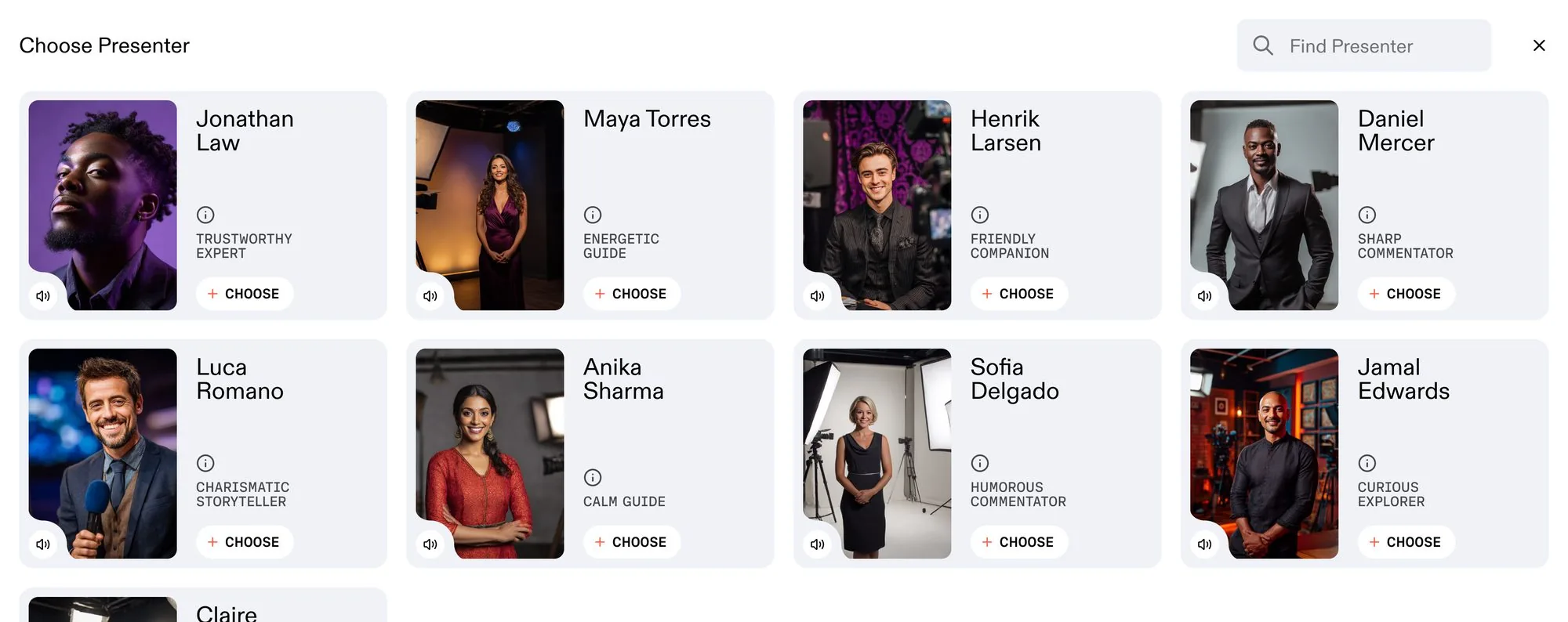
Upload your own audio or on-camera read, matched block by block, or cast a recurring persona to front the piece.

Every element, on brand.

Brand music, SOTs, bumpers, lower-thirds, and overlays — one Elements library, dropped onto the timeline without leaving the editor.

How Article → Video works.

From article to first cut in four steps. Have your say at every stage.

1

Start from your article.

Paste the link or pull the piece from your library. Prism takes it from there.

2

Create the assignment.

Lay out your vision — length, tone, format, and style — and Prism pulls the key facts and quotes.

3

From copy to script.

Prism turns the article into a broadcast script with every shot cued, yours to approve or edit.

4

Get your first cut.

Prism delivers a finished first cut on the timeline — ready to export, or fine-tune in the Editing Suite.

One workflow, every capability.

Prism runs the production line, sourcing to shipping, and hands you the controls at any stage.

Ask Prism anything.

Just describe the edit you want, in plain English.

Suggests the footage.

Pulled from your licensed archive to match the story.

Writes the script.

SOTs and B-roll placed for you to approve or edit.

Captions in your style.

Animated captions, always on brand.

Builds the graphics.

Lower-thirds, bumpers, and chyrons generated in your style.

Voices it your way.

Custom voices, presenters, and personas.

Grade and colour.

Full grading controls, inside the Suite.

Mix the audio.

Levels, clipping, and music, in the editor.

Reframes every format.

One cut, recomposed to 16:9, 9:16, 1:1, and 4:5.

Translates and dubs.

New languages, same voice, captions included.

Cut on the timeline.

Full manual control in the Editing Suite, any time.

Ships every platform.

Broadcast, web, and social — platform-native.

Enterprise

Enterprise-ready, editorially controlled.

Built for publishers and editorial teams turning articles into video at scale: your CMS, your approvals, your brand.

Book an enterprise demo

Editorial control, end to end.

Grounded in the article you published, reviewed by your team before it ships, traceable to the line it came from. Prism never invents footage or fabricates quotes.

Granular team permissions.

Roles, approval gates, and brand controls — configurable per workflow, per brand, per team.

Support that knows your stack.

Dedicated onboarding and deployment, region-specific where you need it.

SOC 2 Type II*
GDPR compliant · EU data residency
Encrypted in transit & at rest

*Independent SOC 2 Type II audit in progress — report expected late 2026.

FAQ

Frequently asked questions.

The things publishers and editorial teams ask us most. Anything we missed? Book a demo and ask us directly.

Production-grade AI video for publishers and media teams. Prism turns a published article into finished, platform-native packages: a broadcast-standard cut, a vertical social edit, a square clip, all from one link. It's a production system, not a clip generator.
No. Prism assembles real, licensed footage and cited facts. It never fabricates imagery or claims. Every shot links back to its source and every figure to the line of the article it came from, so the desk can stand behind every frame.
The article itself, plus your own libraries and the footage you're licensed for. Prism reads the whole piece, takes the facts and quotes from your copy, and searches only rights-cleared material. Every clip carries its source link, shot description, and transcript.
Your team. You point Prism at the article, sign off the script and the moments, and your editors keep full control in the Editing Suite: cut, color, captions, and sound. Prism does the assembly; your people make every editorial call, and nothing ships without a human.
From one link: a broadcast-standard package, vertical cuts for Reels and Shorts, square and 4:5 social, and web. Each is produced natively for its platform, not cropped, with transcript, captions, and tags still attached. Produce once; ship them all.
Yes. Paste a published URL or pull the piece straight from your CMS, and Prism works alongside the asset managers and libraries you already run, using only the footage you're licensed for. It fits alongside your stack, not in place of it.
Your source material stays yours. Prism works only with the libraries you connect, never trains on your footage, and keeps every output traceable to its source. GDPR compliant with EU data residency; SOC 2 Type II audit in progress.
Prism is rolling out to publishers and media teams. Book a demo and we'll build a finished package from one of your own articles.

Let's create your next story, together.

See how Video Intelligence can transform your production workflow.

Book a demo
© 2026 Channel 1. All rights reserved.
Channel 1 builds the infrastructure for how AI understands the world.